Subtitles Tool
Runtime subtitle system for Unity with SRT and ASS support, styling, animations, and pooling for performance.
Get it on the Unity Asset Store: Subtitles Player — SSA, ASS, SRT
Overview
- Supports SRT (simple timed subtitles) and ASS (rich styling/animation).
- Works at runtime; renders through TextMeshPro.
- Font management via FontsContainer; ready-to-use prefabs and examples.
- ASS subtitle views are pooled to minimize allocations when many lines are on screen at once.
Key Features (Detailed)
- Multi-format playback: SRT for quick usage, ASS for advanced styling/positioning/animations.
- Font & Style management: Centralized fonts via FontsContainer; ASS styles for colors, outlines, shadows, positioning.
- Pooling:
ShowAssSubtitlesreuses subtitle view objects (SubtitleViewPool, up to 32 retained) for low GC pressure. - Component-based: Drop-in components for SRT/ASS playback; base classes for extension.
How to Use
Playback is split across two components: a player that parses the file and tracks time, and a display that renders it.
- Add the player —
SRTSubtitlePlayerorAssSubtitlePlayer— to a GameObject and assign its Subtitle File (aTextAsset). - Add the matching display component to the same canvas:
ShowSRTSubtitles— assign Subtitle Player and Text (aTextComponentWrapper).ShowAssSubtitles— assign Subtitle Player, Text Prefab (a prefab withAssSubtitlePartView) and Fonts Container. Put it on a GameObject with aCanvasScaler: the reference resolution is taken from the ASS script onStart.
- (ASS) Make sure the FontsContainer holds the fonts referenced in the ASS file.
- Call
Play()/Pause()/Continue()/Stop()on the player to control playback.
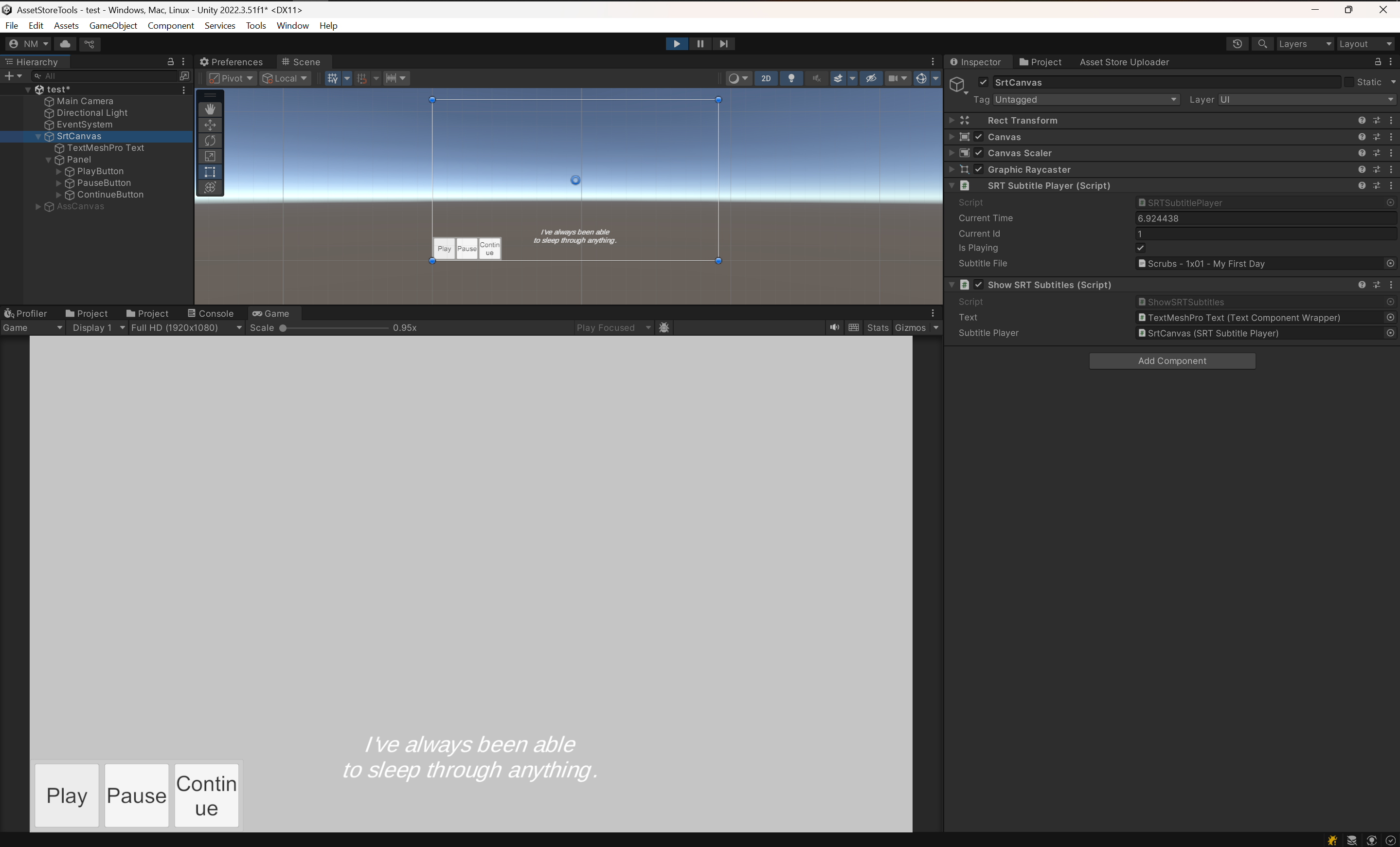
A canvas with SRT Subtitle Player (subtitle file, current time, playback state) and Show SRT Subtitles (Text wrapper and player references) assigned.
Quick Examples
Playback control lives on the player component, not on the Show… display component.
SRT
var player = GetComponent<SRTSubtitlePlayer>();

player.Play();       // start from 00:00
player.Play(12.5f);  // start 12.5 seconds in
player.Pause();      // freeze, keep the current position
player.Continue();   // resume from where Pause left off
player.Stop();       // stop and rewind to 00:00
ASS
var player = GetComponent<AssSubtitlePlayer>();
player.Play();

if (player.IsPlaying)
    Debug.Log($"At {player.CurrentTime:F2}s");
The subtitle file is a serialized TextAsset assigned in the Inspector — there is no runtime API for swapping it. To play a different file, use a separate player instance (or a prefab per file) and enable the one you need.
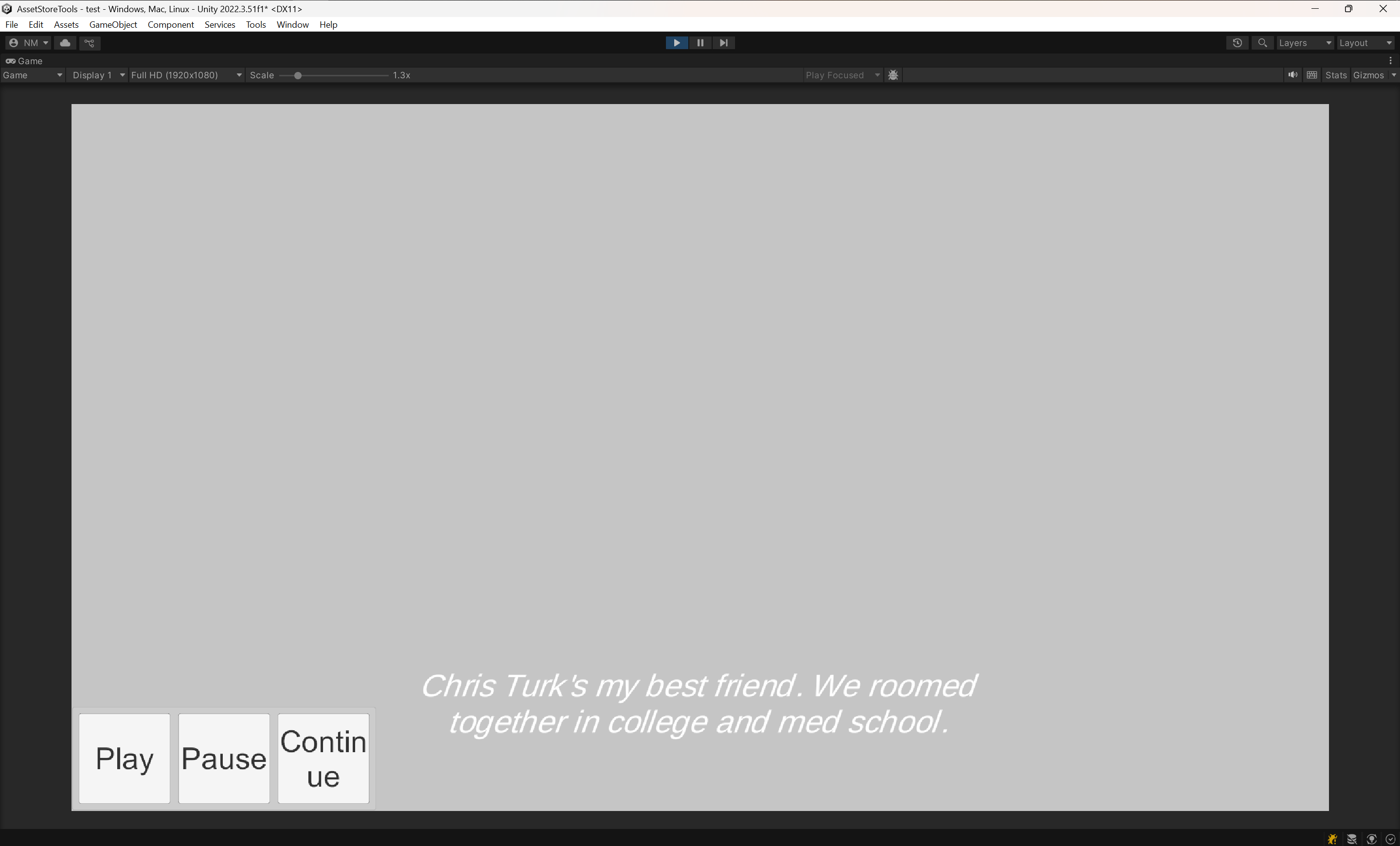
Subtitles rendered in the Game view during Play mode, with Play / Pause / Continue driving the player.
Components
- ShowSRTSubtitles / SRTSubtitlePlayer / SRTParser: SRT pipeline.
- ShowAssSubtitles / AssSubtitlePlayer / AssParser / AssSubtitlePart / AssSubtitlePartView / AssStylesInfo / AssScriptInfo / AssFormat: ASS pipeline and styling.
- SubtitlePlayer: Playback base class —
Play/Pause/Continue/Stop,CurrentTime,IsPlaying,GetCurrentSubtitles. - FormatSubtitlePlayer<TParser>: Builds the format-specific parser on
Awake; base for the SRT and ASS players. - SubtitleDisplayBase<TPlayer>: Shared
Updateloop for display components; overrideOnSubtitlesUpdatedto render differently. - SubtitlesParser / SubtitlePart: Parsing contract and the parsed line model.
- TextComponentWrapper: Wraps a
TextMeshProUGUIand exposes text, colour, outline, shadow, font and alignment to the ASS renderer. - FontsContainer:
ScriptableObjectfont registry for ASS styles, created viaAssets > Create > ManakhovN > Subtitles > FontsContainer. Fonts are matched by TMP family name. - SubtitleViewPool: Pooled subtitle view objects used by the ASS renderer.
Tips & Best Practices
- Use SRT for simple subtitles; ASS when you need styling, positioning, or animations.
- Keep fonts in FontsContainer and reference them in ASS styles to avoid missing glyphs.
- For performance, keep subtitle files compact; ASS view pooling is on by default.
- Test timing thoroughly; mismatched FPS/timecodes in ASS can affect sync.
Troubleshooting
- Nothing shows: Check that the player has a Subtitle File assigned, that the display component points at that player, and that
IsPlayingis true — nothing renders untilPlay()is called. - Missing fonts: Add the font to FontsContainer. Lookup is by the TMP asset's family name, which must match the name used in the ASS style.
- Performance spikes: Avoid extremely large ASS files; the view pool retains at most 32 objects, beyond that it instantiates.
Requirements
- Unity 2020.3 or later
- Runtime tool (works in builds)
- TextMeshPro — rendering goes through
TextMeshProUGUI; plain Unity UITextis not supported
Support
For issues or feature requests, contact: nadirmanakhov@gmail.com
Related Tools: Data Structures Editor | Files Converter | VCS Client